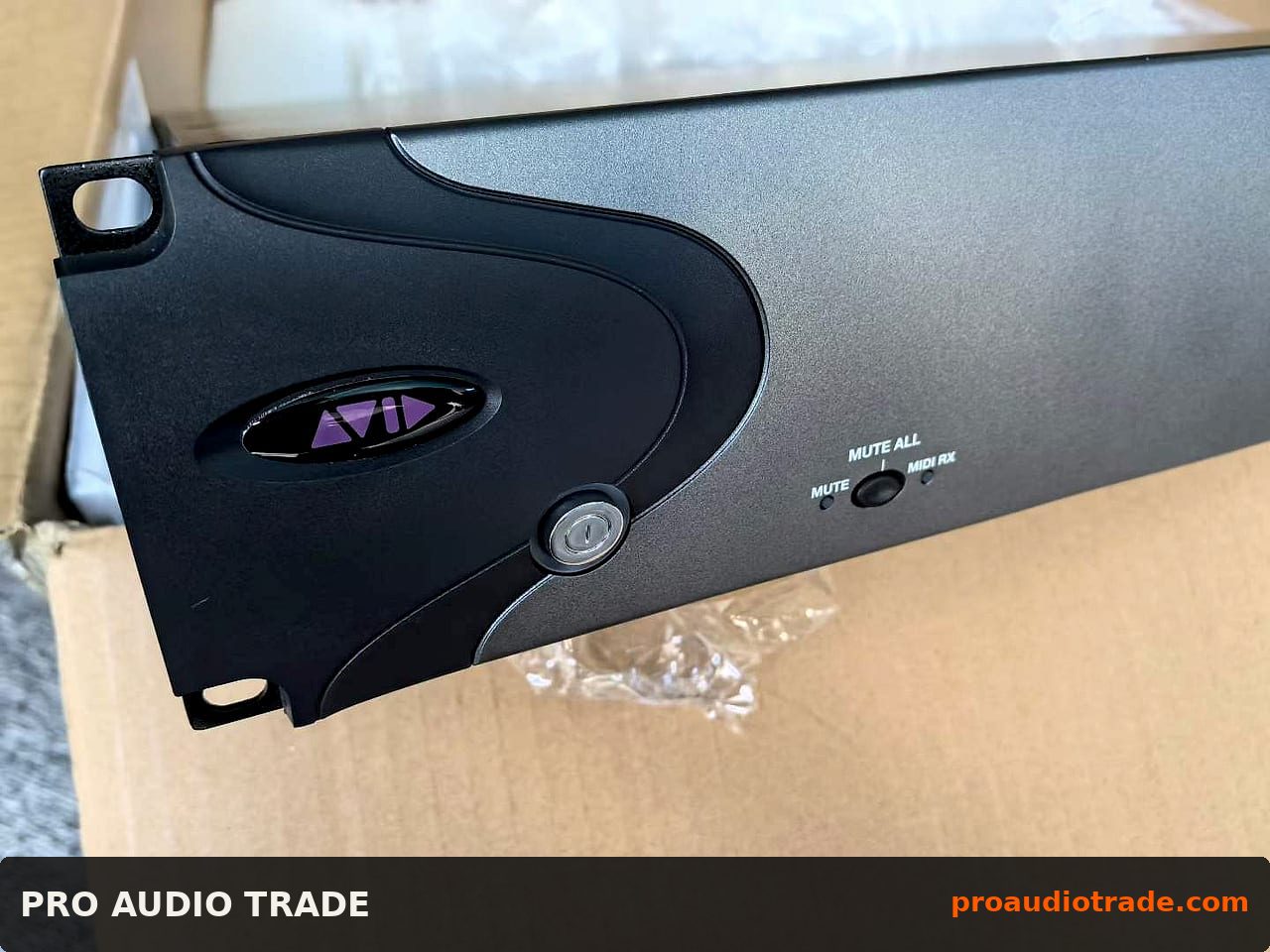
If you are sourcing a used XMON Unit-37574 for a rental fleet, a fixed install, or a broadcast rack, you already know this piece of gear occupies a very specific niche: it is the monitor control and communications hub that ties together a console, a stage rack, and a set of engineer and artist listen paths. The question is not whether a used unit can work — plenty do, for years — but whether the specific unit you are looking at has been tested in a way that matches how you will deploy it. This review walks through where the XMON fits in real inventories, which specs actually matter for integration, what to inspect before you wire a penny, how pricing and total cost of ownership shake out, and how a B2B order typically moves from grade to freight.
Where the XMON Unit-37574 fits in a rental or venue inventory
The XMON is not a glamorous line item, but it is a load-bearing one. In a rental house it usually lives in the monitor world: it takes console monitor outputs, handles engineer cue and artist cue switching, and provides talkback and listen mic routing so that a monitor engineer can flip between wedges, IEMs, and the artist's talkback without repatching. In a venue it is often the fixed hub between a FOH console and a stage box, giving the house engineer a stable monitor control point that does not depend on a laptop being open.
What makes the XMON attractive on the used market is that its job is relatively stable. It is not a DSP-heavy box that gets outrun by firmware; it is a routing and control unit. That means a well-kept unit from a rental fleet can still be a first-call piece in a 2025 inventory, especially for CIS, Middle East, South America, and Africa buyers who need proven hardware without new-unit lead times. The catch is that rental fleets are hard on connectors and switches, so the used unit you buy is only as good as the inspection behind it.
Key specs that matter for integration work
When you are integrating a used XMON, the headline spec sheet matters less than the I/O reality. Check the number and type of monitor inputs and outputs: balanced analog on XLR or TRS, and whether the unit you are buying is the analog-only version or includes digital I/O cards. For most rental and venue work, analog I/O is the workhorse, but if you are feeding a digital console via AES or a proprietary card, confirm the card is present and tested, because missing cards are the most common reason a used XMON looks cheap until you price the replacement.
Talkback and listen mic behavior is the second integration point. Confirm that the talkback mic input has the expected phantom power option and that the talkback routing switches cleanly between destinations. On the monitor output side, check that the cue output can drive both a headphone amp and a powered monitor without level mismatch. If you are integrating into an existing console ecosystem, verify the remote control protocol the unit expects — some XMON variants are designed to be driven from a specific console family, and a used unit without the matching remote cable or interface can be a paperweight until you source the accessory.
Finally, look at the power supply and grounding. The XMON is often installed in racks with noisy dimmers and stage power, so a unit with a healthy internal supply and clean grounding scheme will save you hum-chasing later. Ask for the exact model and revision number, because revision differences affect connector layout and card compatibility.
Used-buying checklist: what to inspect and what to ask the seller
Start with a functional test report, not a photo. Ask the seller to confirm that every monitor input and output passes signal, that talkback and listen mic paths work in both directions, and that all front-panel switches and encoders respond without scratchiness. A good B2B seller will have a bench test sheet with pass/fail per channel; if they cannot produce one, treat the unit as untested and price accordingly.
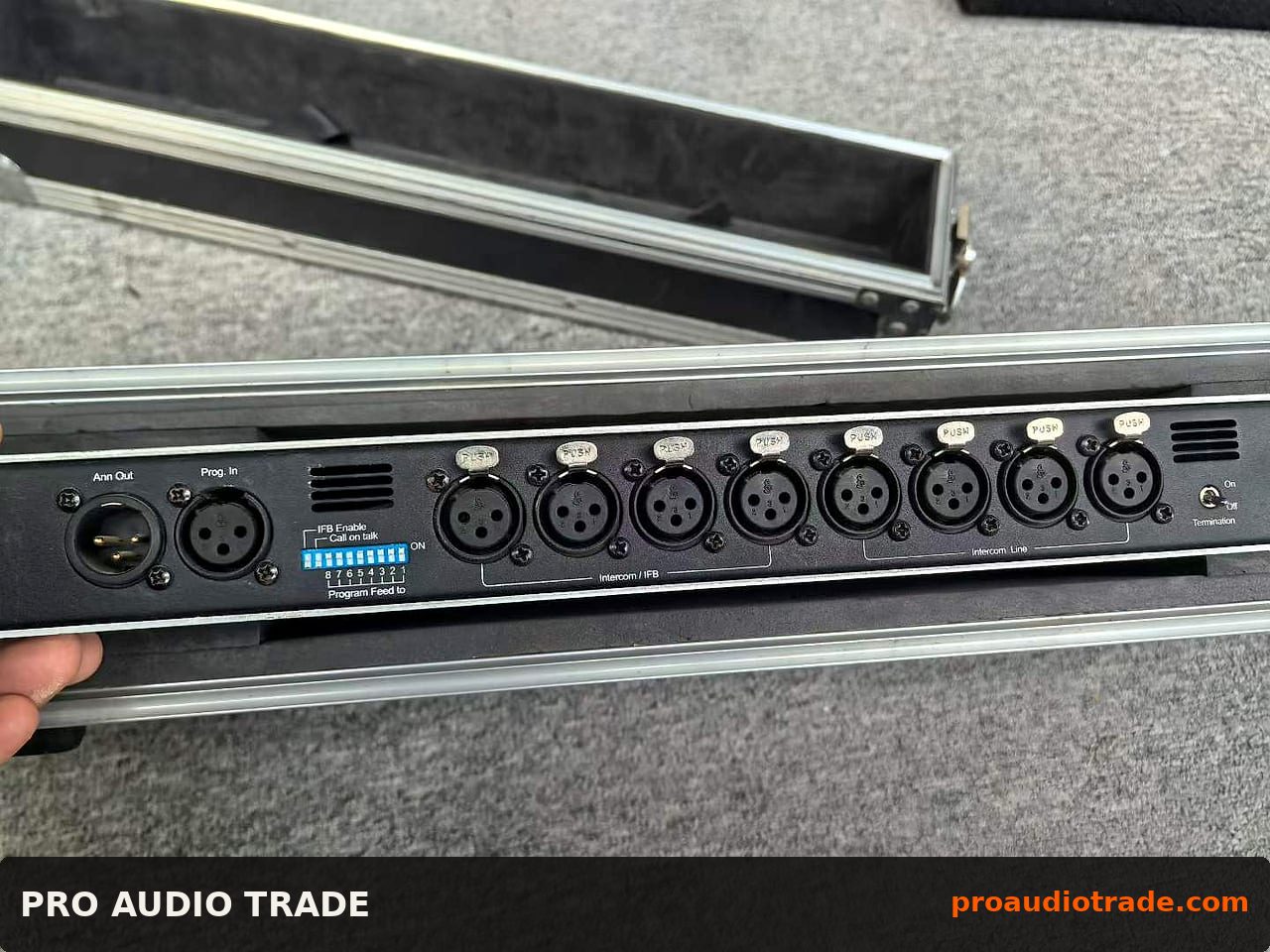
Inspect the connectors closely. XLR and TRS jacks on rental units take a beating; look for bent pins, loose barrel nuts, and evidence of re-soldering on the PCB. Ask for close-up photos of the rear panel and the internal boards if the seller will provide them. Check the power supply for bulging capacitors or scorch marks, and ask whether the unit has been recapped. On the switches, ask specifically about the monitor select and talkback buttons, because those are the highest-cycle parts and the first to fail.
Ask for the unit's history: was it in a rental fleet, a fixed install, or a broadcast rack? Rental units are more likely to have cosmetic wear but also more likely to have been regularly tested. Fixed-install units may be cleaner but can have been powered on for years without exercise, which can seize switches. Also ask whether the unit ships with the original remote cable, rack ears, and any cards, because accessories are often the hidden cost.
Price context and total cost of ownership
Used XMON pricing varies widely by region and condition, but the pattern is consistent: a tested, complete unit with cards and accessories commands a premium, while an as-is unit with missing cards looks like a bargain until you add the replacement cost. For a B2B buyer, the right comparison is not sticker price but landed cost plus expected service life. A tested unit that arrives with a bench report and a short warranty is usually cheaper over three years than a cheaper unit that needs a power supply rebuild and a card.
Factor in freight and customs. For buyers in the Middle East, South America, and Africa, air freight on a rack unit is not trivial, and a unit that arrives damaged because it was not crated properly wipes out the savings. Ask the seller how they pack: double-boxed with foam, or original carton. Also confirm voltage and plug type for your region, and whether the unit is switchable or fixed. A 230V unit shipped to a 120V market without a transformer is a false economy.
How a B2B order works: grade, freight, and MOQ
Most B2B used-gear sellers grade units on a simple scale: A for fully tested and cosmetically clean, B for tested with cosmetic wear, C for as-is or parts. For an XMON, buy grade A or B with a test report; grade C only makes sense if you have a bench and spare parts. Ask for the grade definition in writing, because one seller's B is another seller's C.
MOQ is usually one unit for this class of gear, but some sellers bundle XMONs with related monitor control accessories or cables, which can be useful if you are building a rack. Freight is typically arranged by the buyer or quoted by the seller; for CIS and Middle East routes, confirm the Incoterm (often EXW or FOB) and who handles export paperwork. Ask for a lead time and a packing photo before dispatch. A short warranty — 30 to 90 days — is a reasonable ask on tested used stock and is a good signal that the seller stands behind the bench test.
A used XMON Unit-37574 is a sensible buy when you need proven monitor control without new-unit pricing, provided you buy tested stock with a report and confirm the cards, accessories, and voltage match your deployment. Treat the bench test and the packing as part of the product, and the unit will earn its rack space for years.